- Location
- Santa Clarita, CA
- Car
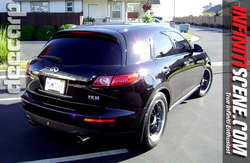
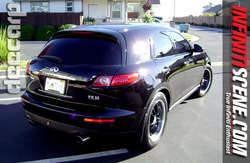
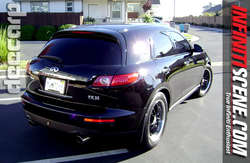
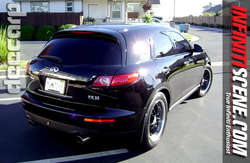
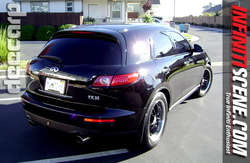
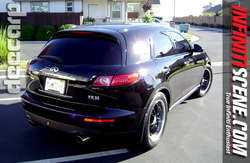
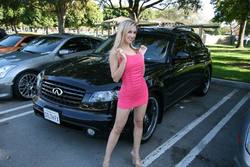
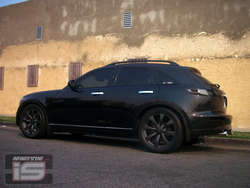
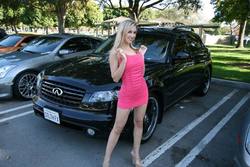
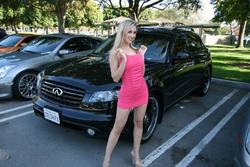
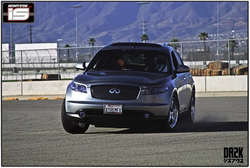
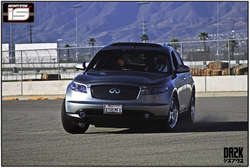
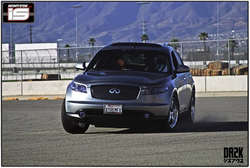
- 2005 FX45
Jeff, could it because I'm taking all my pictures in wide format and when it's resized the default length is 375?



 but the 600x375 would look cool...bigger pictures

using the sizes by just reducing the original image size in ps will make the photos on the square side, they look better when they have more of a wide-screen look.
File >> New >> adjust to size >> Drag original photo into new file >> Crop,move,scale,adjust until you get the look you want. >> Layer >> Flatten Image.
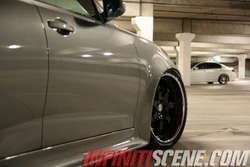
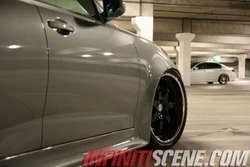
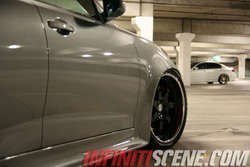
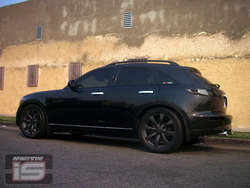
I've been playing a bit in photoshop with some pictures I took recently, the stock wheels were on it at the time... I'm going to get some new shots now that I put the new tires & rims back on
Very nice pic turbo..
One for our resident wagon