Sure... I dont have pics, since I wasnt able to post them yet... so you can work off the ones on the first page of this thread.
I ordered the VLEDS(4) mentioned in page one by Fire.
STEP:1
Remove cover on door handle. Fairly simple, only used my fingers to pry it loose. I started at the lower end of the handle on all doors as it is a larger piece to grab. Once it pops loose, the upper clips pops easily.
STEP:2
There are two tabs that hold in the factory LED. Use your fingers or flathead to gently remove the LED from the clip. You will notice that the LED is hardwired and does not disconnect/un-plug from the harness.
STEP:3
On the rear doors the wiring gives about 2-3in more slack then the front doors. I cut the wires as close as I could to the LED housing to give me enough slack to work with. *IF you do not disconnect your battery before the install, be sure to cut wires individually so you dont blow the fuse.
STEP:4
I decided to use heat shrink tubing to secure the wires together. Due to the lack of play on the wires, I did not want to crimp or solder. I cut down the slack on the wires from the VLED kit, leaving about 4-5in from the new LED. Connected wires and shrunk the tubing to secure. I fed the additional slack into the door.
STEP:5
Using the factory clip, I pressed the new LED into the opening making sure the light was coming thru even. Added some electrical tape to secure. Opened and closed the door about 10 times to make sure it was secure didnt move.
STEP:6
Snap the cover back on and enjoy.
The wife has the FX today. Will take pics this afternoon and will post.
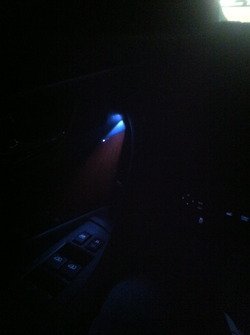
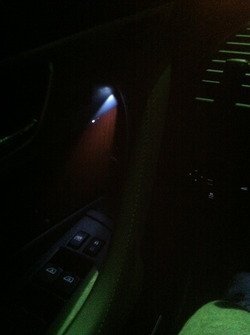
Ok.. Took a few pics with iphone.... they arent great. Will try another camera later.... Same phone took all the picks and you can see how the lighting changes the color. In person they match all the interior lights perfectly... i got the 6000k ones.
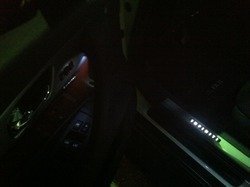
The shot below is from the back seat pointed at the rear driver side door.