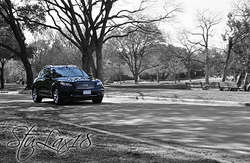
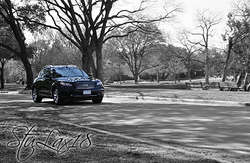
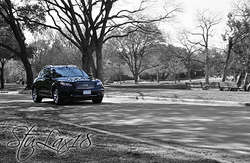
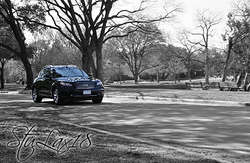
- Location
- Westchester, New York
- Car
- 09 FX50


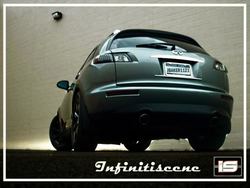
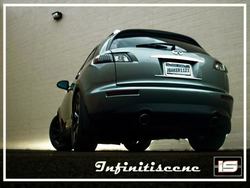
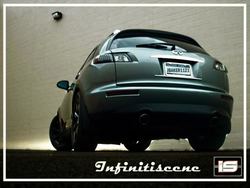
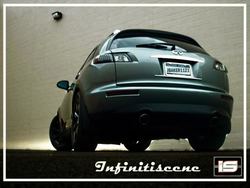
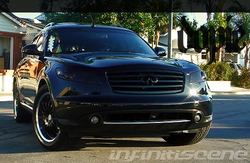
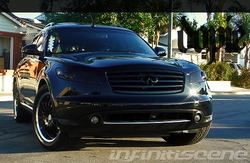
here's another from me...
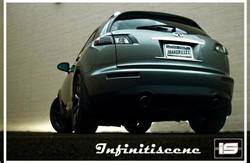
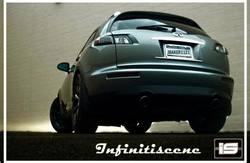
the rear!
i was bored for 15 mintues so i made it haha

It's in the Layers pallete . . 'opacity'

Layers>blending options, no? I have CS, though.

negative, i dont think you can adjust the actual layer's opacity through blending options in ps
@J, you might also wanna play around with the "fill" as "fill" and "opacity" will give you different effects. You can also go to what stu pointed out in blending options to give your font cool effects (shadows, different lighting, texture) at the same time
i use PAINT.NET,so the toolbars are a little different
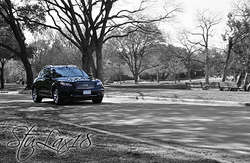
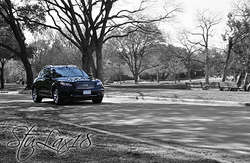
Thanks man. Where do you think I got the ideastu, i love it. i did a blkwht background too haha
There was too much color in the picture and I worried the FX wouldn't stand out as much, but I didn't want to crop anything out.
Thanks man. Where do you think I got the idea
great minds think alike haha
Blacked out tails?

Funny you say that, because I keep asking people to paint pictures of my FX to hang in my room. Maybe this is the one to do!Awesome pic Stu. Makes me want to enlarge it, frame it and hang it in my living room. hahahahaha