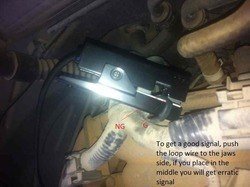
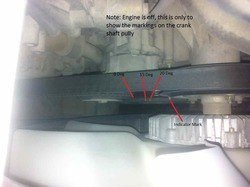
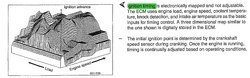
The best scan tool for the FX (even Consult III) can only advance or retard the ignition timing, but can not confirm if it is at the correct settings - see blue text in the screen shot below, the only way to do so is to physically check with timing light, so you will need both tools basically.
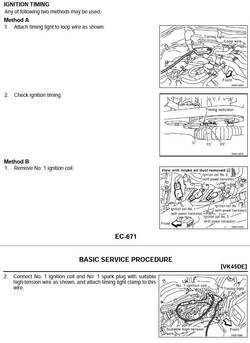
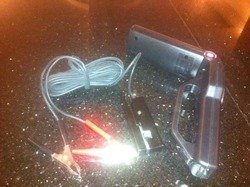
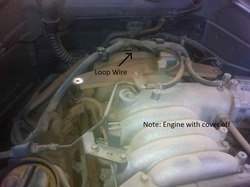
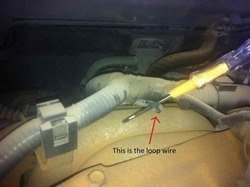
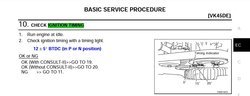
Yes you need a timing light to adjust the timing on the FX, if you visit the FSM (EC section), you will see this:
Sent from my iPad
---------- Post added at 11:59 PM ---------- Previous post was at 10:58 PM ----------
Basically you need to advance or retard your timing with your scan tool while checking every time with a timing light, until the timing mark on the crank shaft pulley is @ 12 degree (+/- 5) before top dead center BTDC.
I basically messed around with my timing, I was checking what Autoenginiuty scan tool can do, so I advanced my timing and then retarded it several times, (the engine sound changes everytime this is done), i tried to put it back but I lost track and now I need to confirm if it is at the right settings.
Well, autoenginiuty works, but now my timing is messed up.
Sent from my iPad HD
---------- Post added 06-01-2013 at 12:02 AM ---------- Previous post was 05-31-2013 at 11:59 PM ----------
Pages EC-671 and EC-672 from the FSM explain how to use the timing light on the FX45.
Sent from my iPad HD