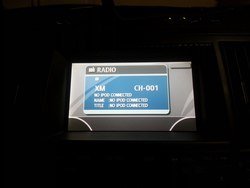
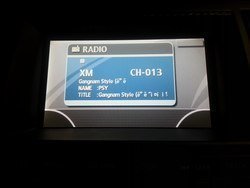
Press the “AM/FM” button and then the “SAT” button.
This works.
Immediately turn the TUNE KNOB to scroll through the available sources.
This doesn't exactly work, the IPOD is never displayed.
Once “IPOD” is displayed, press the “<<SEEK” button to select it.
No point in doing this step since I can't get it to IPOD.
Sent from my SGH-T999 2
This works.
Immediately turn the TUNE KNOB to scroll through the available sources.
This doesn't exactly work, the IPOD is never displayed.
Once “IPOD” is displayed, press the “<<SEEK” button to select it.
No point in doing this step since I can't get it to IPOD.
Sent from my SGH-T999 2